---
updatedAt: 2025-09-10T03:06:14.000Z
agentTools:
projectIndex: https://postgrid.readme.io/llms.txt
---
# Creating a Bank Account
To send checks through Salesforce, you first need to create a bank account within the platform. Currently, we only support check sending via Salesforce in the United States and Canada.
# Creating a new Bank Account
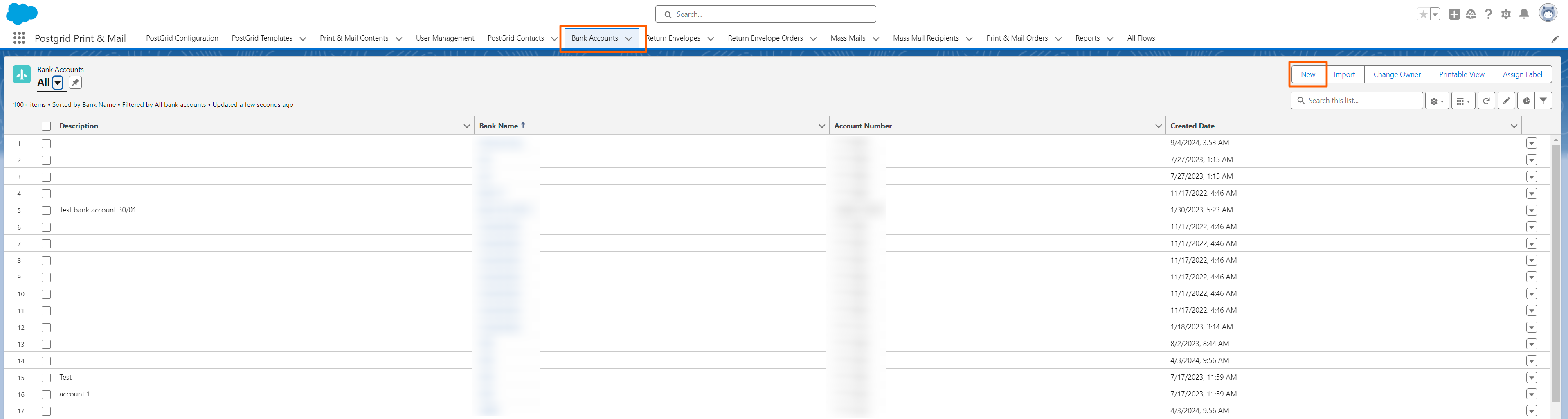
### 1. Click on Bank Accounts and click on "New"
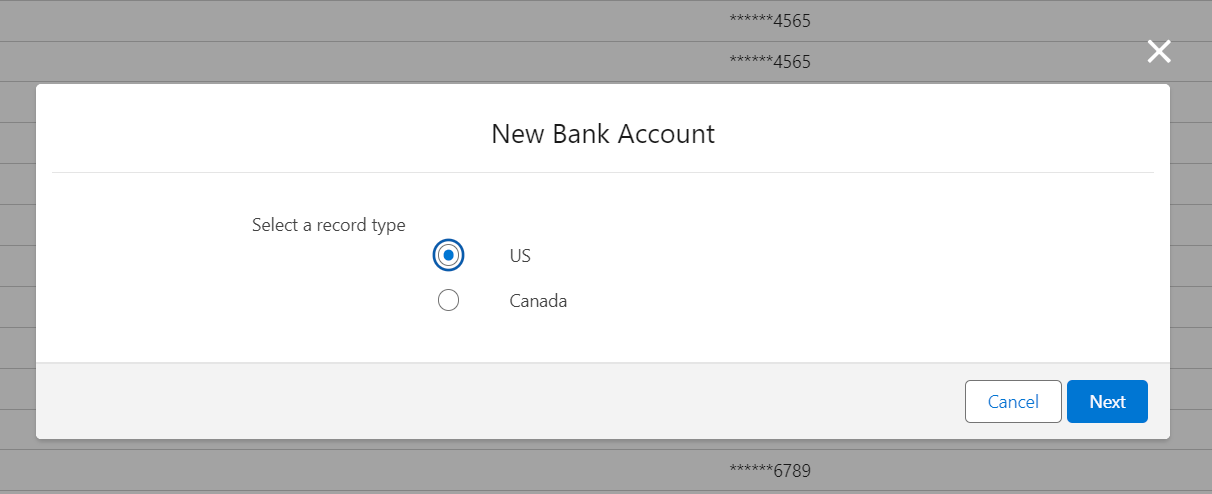
### 2. Choose a country
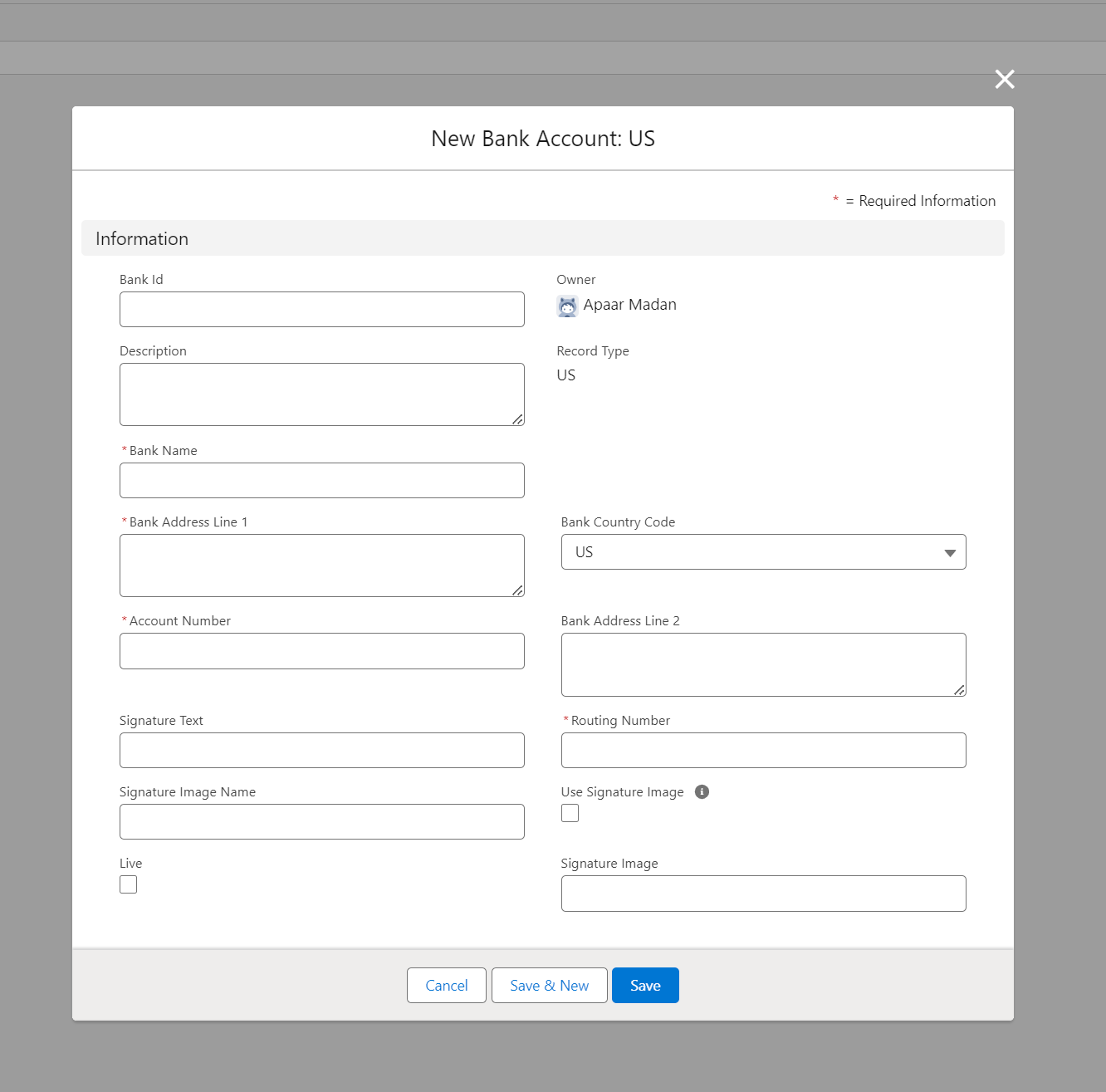
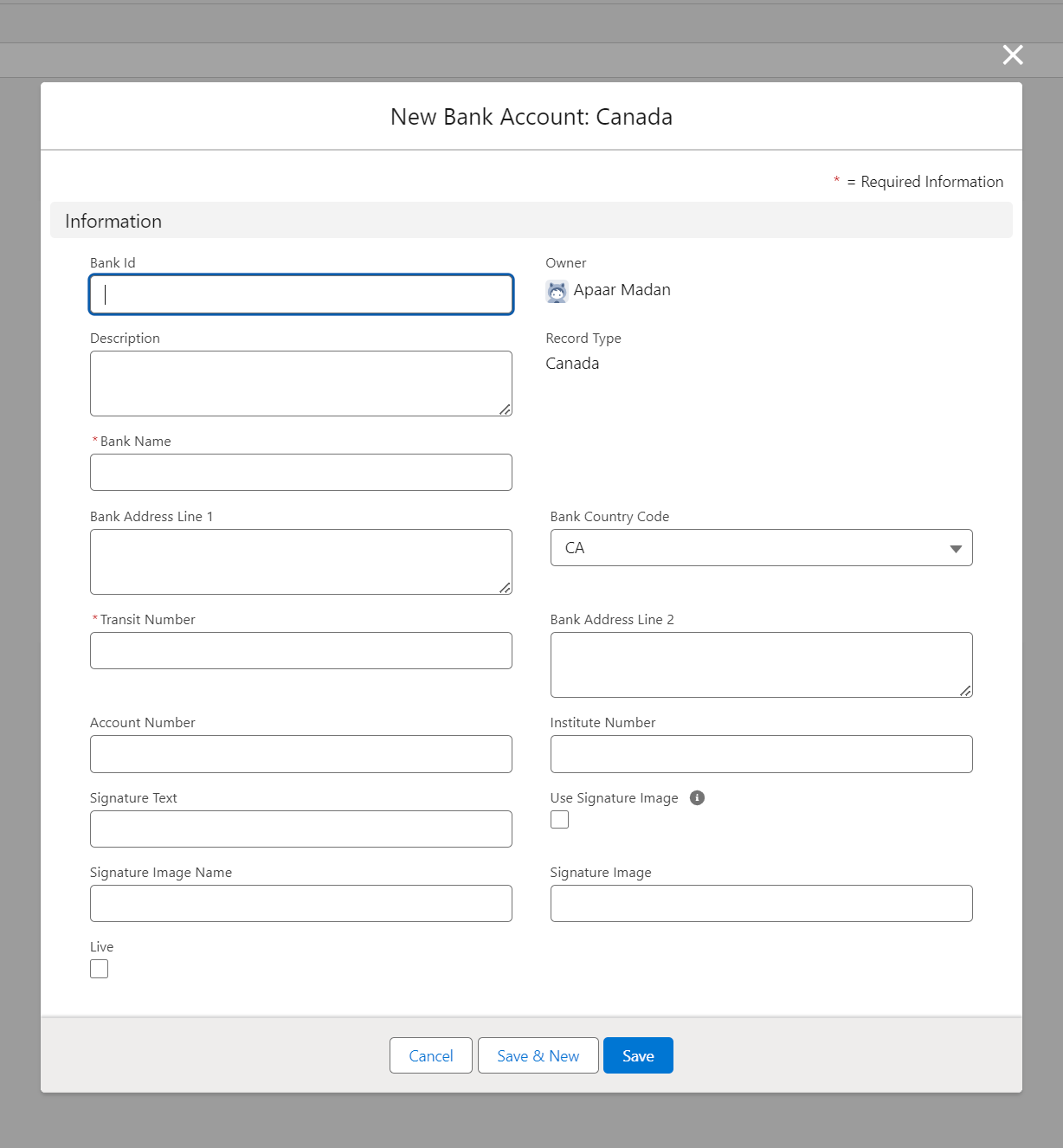
### 3. Enter the required bank information and click on "Save"
* The required bank account details will vary depending on the country you select.
* If you want to use an Image for your signature click on the "Use Signature Image" checkbox
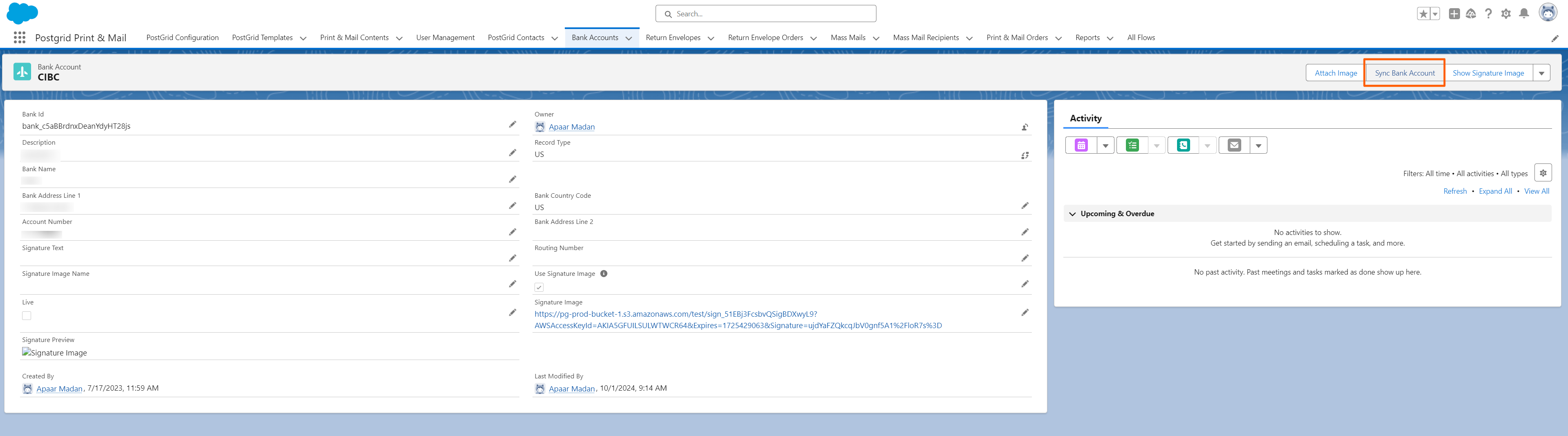
### 4. Once the bank account is successfully created click on "Sync Bank Account" to add the bank account to the PostGrid Dashboard
# Adding the signature image
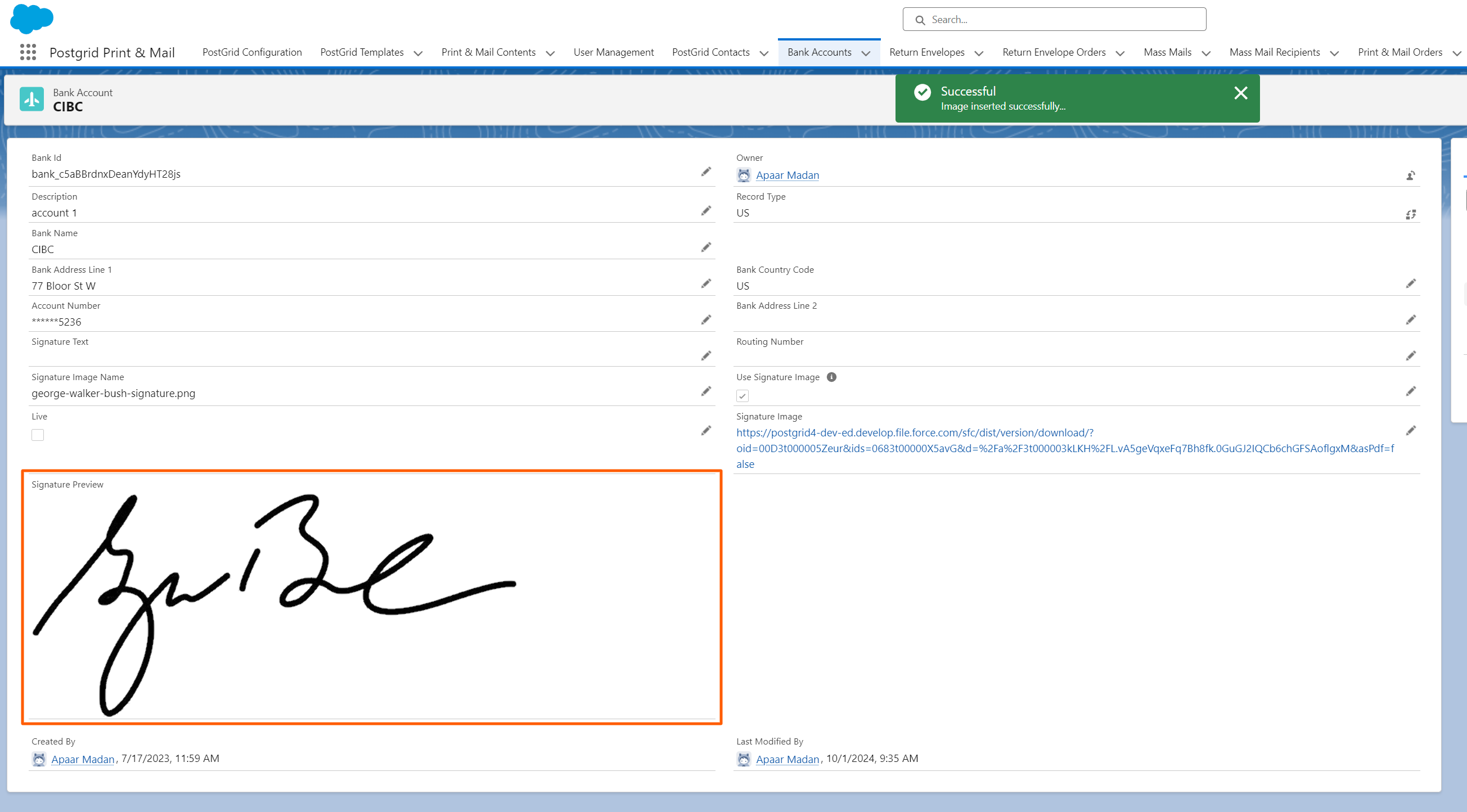
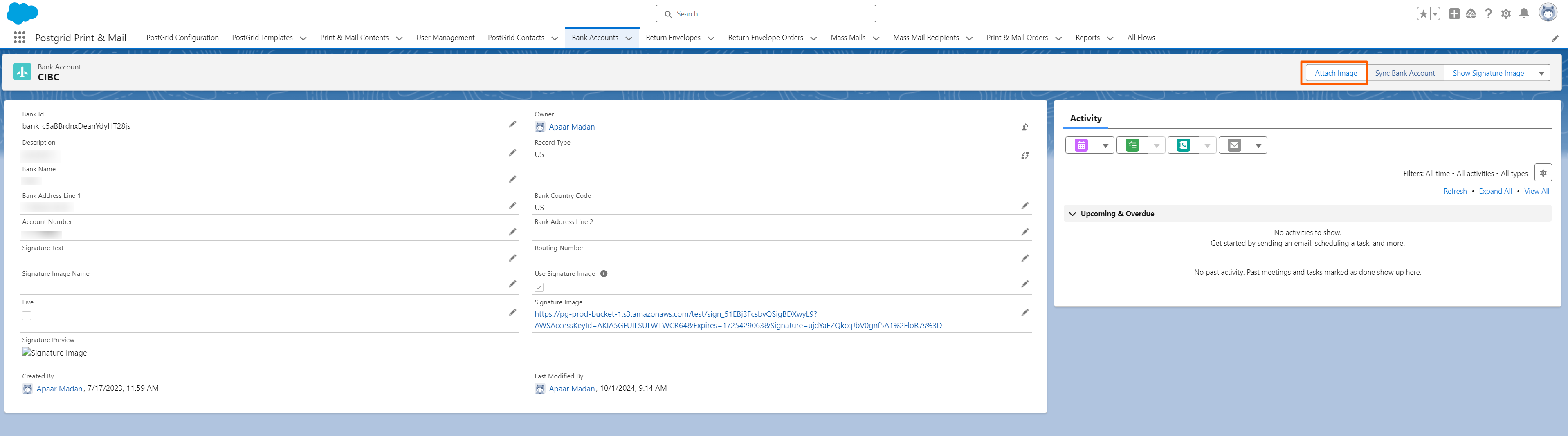
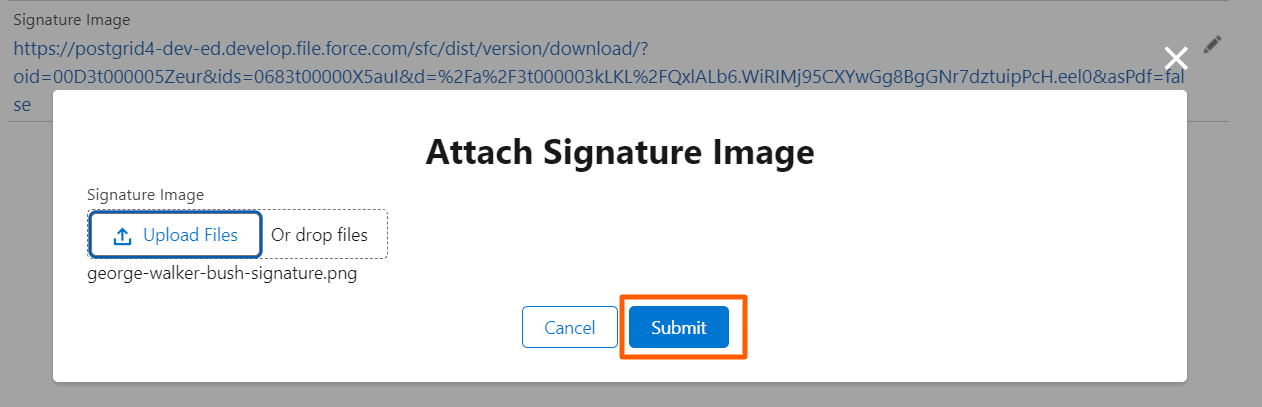
### 1. Click on any bank account and then click on "Attach Image"
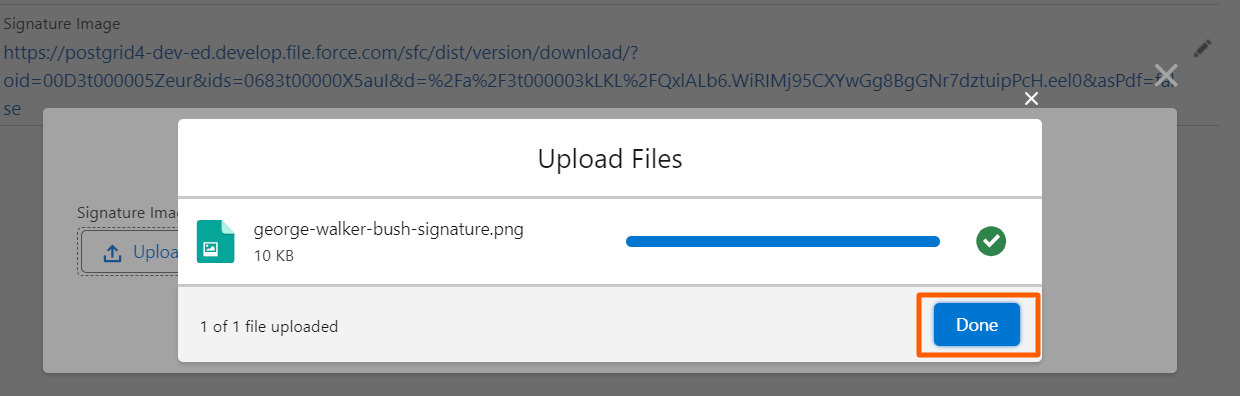
### 2. Click on Upload to select a file from your local drive. You can also drop the signature image in this section
* Click on "Done". After the image is successfully uploaded, click on "Submit"
* Please Note: The signature image can only be in the png format. No other format is accepted by the system
### 3. You can preview the signature image in the details