
Impersonating your Sub-Organizations
You might want to perform tasks on behalf of your sub-organizations - whether that's updating templates, sending mail, or handling administrative tasks. PostGrid allows you to do this by impersonating your sub-organizations.
Prerequisites
- The impersonating user must have the "Admin" role
- Your organization must have impersonation enabled (contact your account manager to enable this)
You can impersonate sub-organizations via the dashboard at this link taking you to a login page that looks like this:
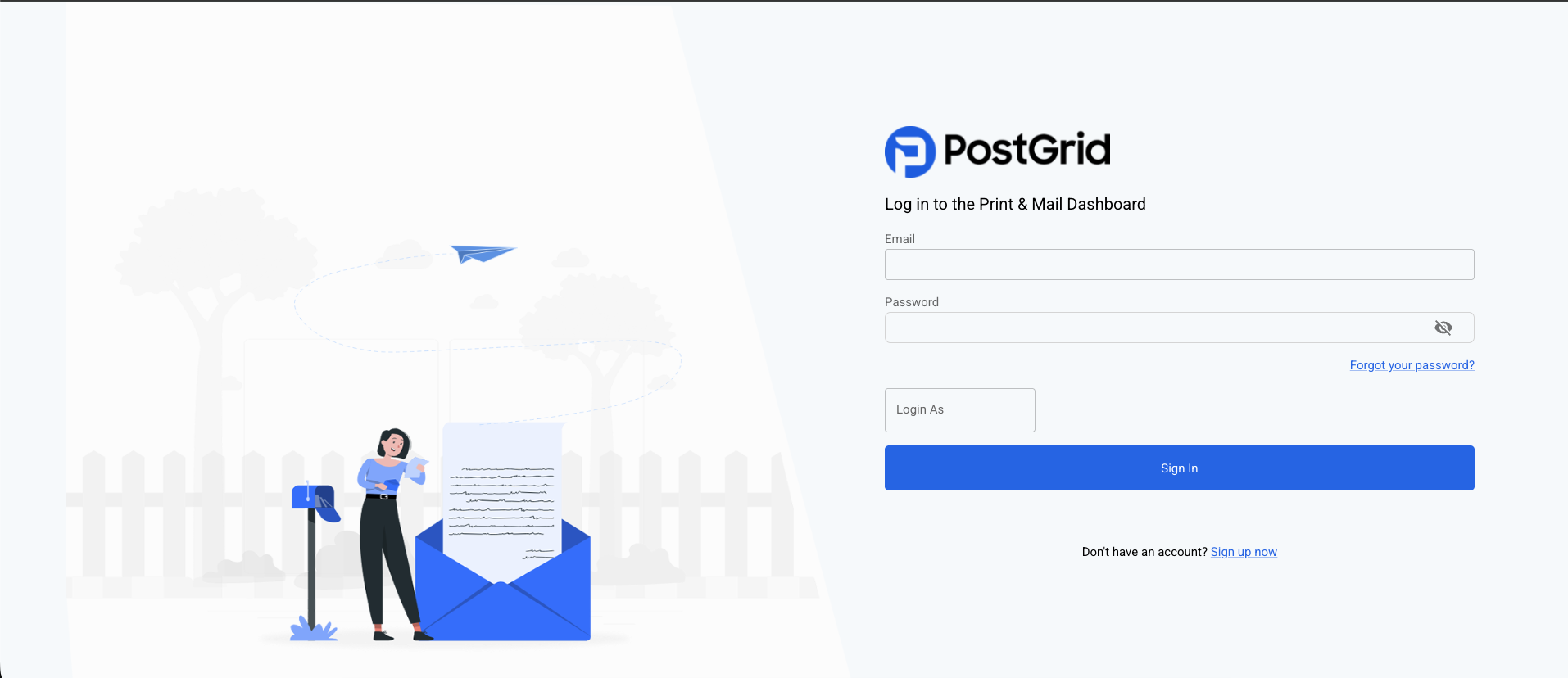
You can enter your credentials as usual and enter the email of a user of your sub-organization you wish to impersonate.
You can also impersonate by sending API calls on behalf of your sub-organizations. This removes the need to store, secure, and orchestrate multiple credentials for each sub-organization. Add the PostGrid-Org header to your API call with the sub-organization ID as the value. For example:
/**
 * @param {string} toContactID
 * @param {string} fromContactID
 * @param {string} templateID
 */
async function createLetter(toContactID, fromContactID, templateID, subOrgID) {
    const requestOptions = {
        method: 'POST',
        headers: {
          'x-api-key': API_KEY, // Your API Key
          'Content-Type': 'application/json',
					'PostGrid-Org': subOrgID,
        },
        body: JSON.stringify({
            to: toContactID,
            from: fromContactID,
            template: templateID,
        }),
    };

    const resp = await fetch(POSTGRID_URL + '/letters', requestOptions);

    return await resp.json();
}
Note ✏️The template ID and contact IDs must belong to your sub-organizations. You cannot use resources from your parent organization, as sub-organizations keep each entity's resources separate.
You can use PostGrid's GET endpoints to search and filter by description or metadata to find the resources you need.
Updated 8 months ago